What You Can Do By Using This Tool?
Convert JPG to Base64 Online – Fast and Accurate
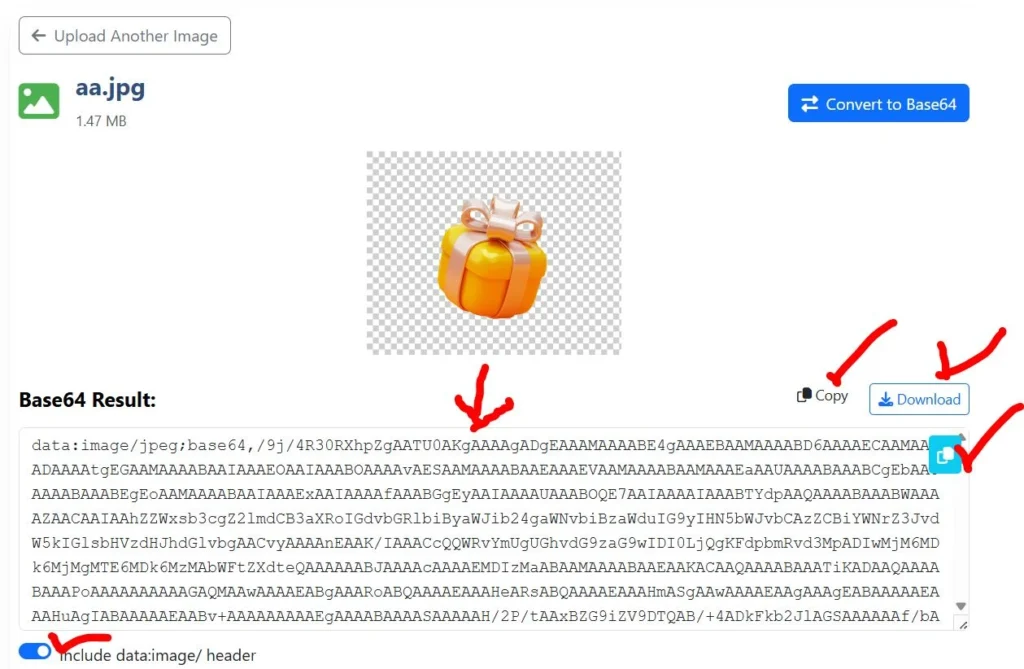
Need to convert JPG to Base64 online? This tool serves as a reliable converter, preserving image quality while generating accurate Base64 strings.
Whether you’re working with profile photos, banners, or thumbnails, our tool conversion process ensures compatibility across browsers and platforms.
PNG to Base64 (PNG to B64) for Transparent Images
PNG images often require transparency support. With this tool, you can easily convert PNG to Base64, also known as PNG to B64 or PNG to Base 64, without losing alpha channel data.
Convert QR Code
You can also convert a QR code to Base64 for embedding QR images directly into web pages, emails, or applications.
Our tool is useful for:
Payment QR codes
Authentication QR images
App download QR embeds
Offline QR rendering
What We Promise About Our Tool?
We promise a fast, secure, and privacy-focused image-to-Base64 conversion experience. Your images stay on your device, no data is stored, and the tool remains free, transparent, and easy to use.
What Are The Common Use Cases for Image to Base64 Encoding?
Embed images directly into HTML files
Reduce HTTP requests by using inline images
Send images via APIs and JSON
Store images in databases as text
Create offline-ready web applications
Any Licenses or Regulatory Approvals
This tool does not require any special licenses or regulatory approvals. It operates using standard web technologies and follows common data handling practices by processing files locally within the user’s browser.
User Reviews and Legitimacy of the Image to Base64 Converter Tool
First Impressions
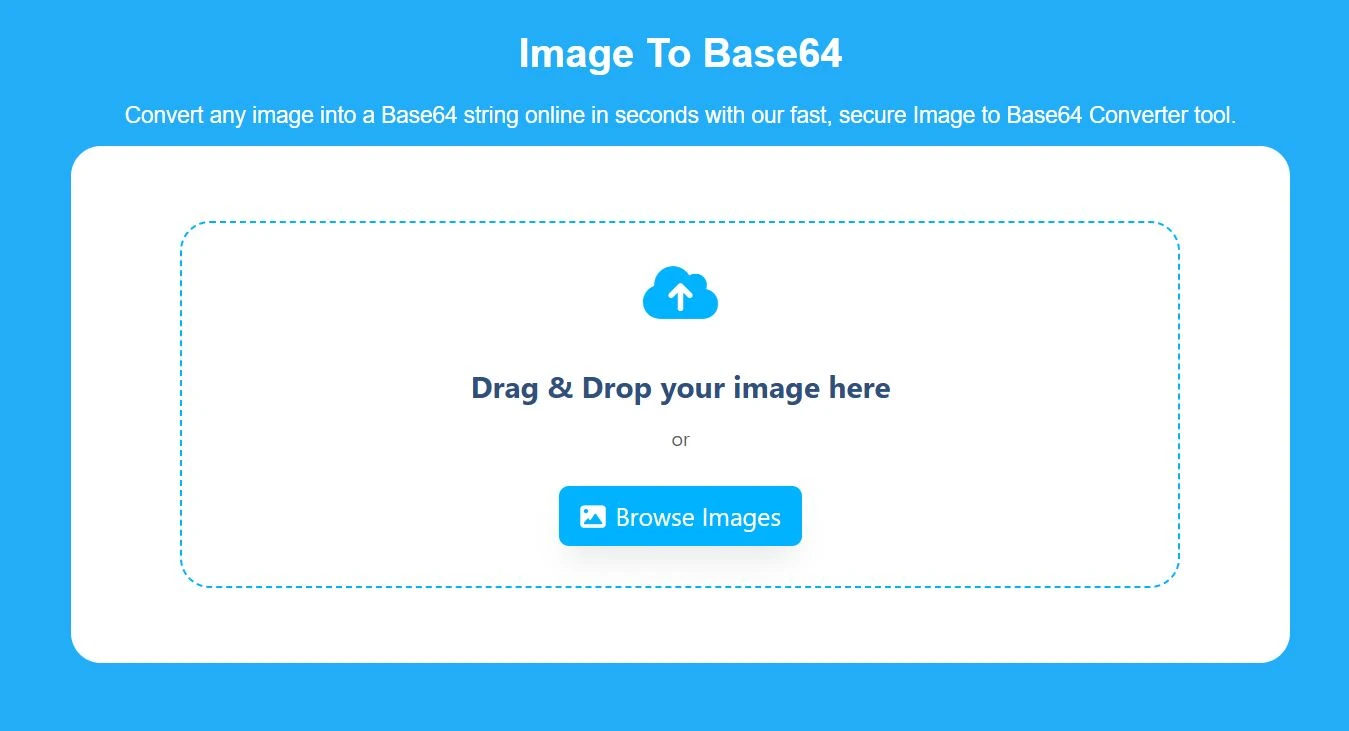
The tool feels clean and straightforward at first glance. The interface focuses only on choosing an image and generating the Base64 output. There are no confusing options, unnecessary elements, or distractions, making it easy to use for both beginners and professionals.
Tool Reviews: Is It Legit?
Yes, the Image to Base64 Converter is a legitimate browser-based tool. It performs exactly what it claims by converting images into Base64 strings without hidden steps, forced signups, or file uploads to external servers. The conversion process is transparent and works instantly, which helps build user trust.
Pros and Cons
Pros
Fast image to Base64 conversion
Works fully online in the browser
Supports JPG, PNG, and QR codes
No file storage or data tracking
Simple and user-friendly interface
Cons
Requires a modern browser
Not suitable for bulk image processing.
User Feedback
Users commonly appreciate the tool for its speed, simplicity, and reliability. Developers use it to embed images directly into code while designers rely on it for quick testing and previews. Many users also value the privacy-focused approach since images never leave their devices.
Trustpilot Reviews of the Image to Base64 Converter Tool
Users on Trustpilot generally look for tools that are simple, reliable, and privacy-friendly. Feedback around image to Base64 converters highlights ease of use, fast performance, and the benefit of browser-based processing. Users often value tools that do not require registration or data uploads, which aligns with the expectations of this converter.
Social Media Reviews and Public Feedback
On social media platforms, users tend to share quick opinions based on real usage. Image-to-Base64 conversion tools are commonly mentioned for their convenience in development and design workflows. Positive feedback usually focuses on speed, minimal design, and the ability to convert images instantly without technical complexity.
Reddit and Quora Discussions About Image to Base64 Converters
Discussions on Reddit and Quora often come from developers and technical users comparing online images to Base64 tools. Common points raised include privacy concerns, the accuracy of Base64 output,t and browser-side processing. Tools that work locally without storing images are generally recommended by community members for everyday use.
Other Alternative Tools and Websites for Image to Base64 Conversion
There are several online tools and websites that provide image to Base64 conversion services. These platforms are commonly used by developers and designers for quick encoding tasks.
Another popular option is Code Beautify, which provides an image to Base64 converter along with many other developer utilities. Their tool is available at https://codebeautify.org/image-to-base64-converter.
FreeFormatter also offers an online image to Base64 converter focused on simplicity and quick output. Their service can be accessed at https://www.freeformatter.com/base64-encoder.html.
For users already working within cloud platforms, Online Base64 Tools provides browser-based Base64 encoding tools that are widely used for testing and development. Their website is https://onlinebase64tools.com.
Some developers also rely on Convertio for image conversions, including Base64 encoding, especially when working with multiple file formats. Convertio is available at https://convertio.co.
While these alternatives are useful, some may require file uploads to external servers or include additional steps that are not necessary for simple conversions. Choosing a tool that processes images directly in the browser and prioritizes privacy can make image to Base64 conversion faster and more secure.
This Image to Base64 Converter focuses on simplicity, speed, and local processing to provide a reliable solution without unnecessary complexity.