Chose PDF
Drag pages to reorder
Page Preview
Are You Struggling with Disorganized PDFs?
Have you ever received a PDF document where the pages are completely out of order? This is a common problem when dealing with reports, eBooks, contracts, or scanned documents. Searching for specific information in a disorganized PDF wastes time and creates unnecessary frustration.
The solution is simple. Our Reorder PDF Pages tool allows you to quickly and easily rearrange pages in your PDF without installing any software. With just a few clicks, you can organize your document exactly the way you want, making it easy to read, share, and manage.
What is the Reorder PDF Pages Tool?
The Reorder PDF Pages tool is an online utility designed to help you rearrange PDF pages in the exact sequence you need. Whether you want to move the cover page to the front, organize chapters, or sort sections of a report, this tool provides a fast and secure solution. The original quality of your PDF is maintained, and the process works entirely in your web browser.
What Are The Key Features of Reorder PDF Pages?
Easy Drag and Drop: Rearrange PDF pages effortlessly using a simple drag-and-drop interface.
No Installation Needed: Fully online tool that works directly in your browser on any device.
High-Quality Output: Maintains the original layout, text, and images of your PDF.
Fast and Efficient: Reorder even large PDF files within seconds.
Secure and Private: Files are processed locally in your browser and never uploaded to a server.
Supports Multiple PDFs: Combine and reorder pages from multiple PDF documents easily.
User-Friendly Interface: Designed for simplicity, making PDF reordering quick and intuitive.
How This Tool Solves the Problem
Disorganized PDFs can be confusing and inefficient. Our tool provides a solution by:
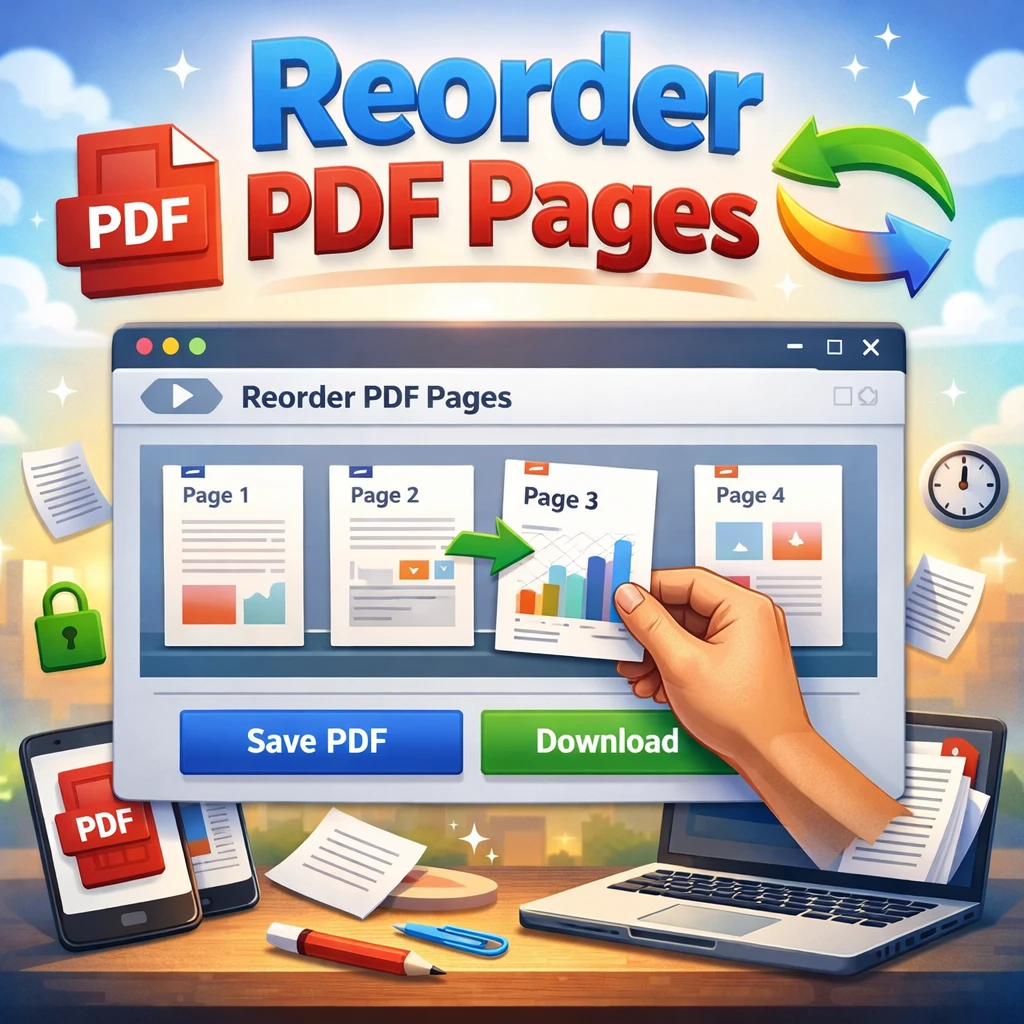
Allowing you to view all pages at once
Enabling easy drag-and-drop page rearrangement
Providing instant downloads of the reorganized PDF
Ensuring your file quality and formatting remain intact
Keeping your files private, as everything happens in your browser
This makes managing PDF documents faster, easier, and stress-free.
How to Reorder PDF Pages Online?
Upload your PDF by clicking the Choose File button.
Once the PDF is loaded, you will see all pages displayed as thumbnails.
Drag and drop pages to rearrange them in the order you prefer.
After organizing the pages, click the Save or Download button to get your new PDF.
Share, print, or store your newly arranged document effortlessly.
What Are the Benefits of Using Our PDF Page Reordering Tool?
Our tool makes PDF management efficient and user-friendly by:
Saving time and reducing frustration when working with large PDFs
Offering a free and fully online solution
Maintaining the complete privacy and security of your documents
Supporting any device, including desktop, tablet, and mobile
Preserving the quality of text, images, and formatting