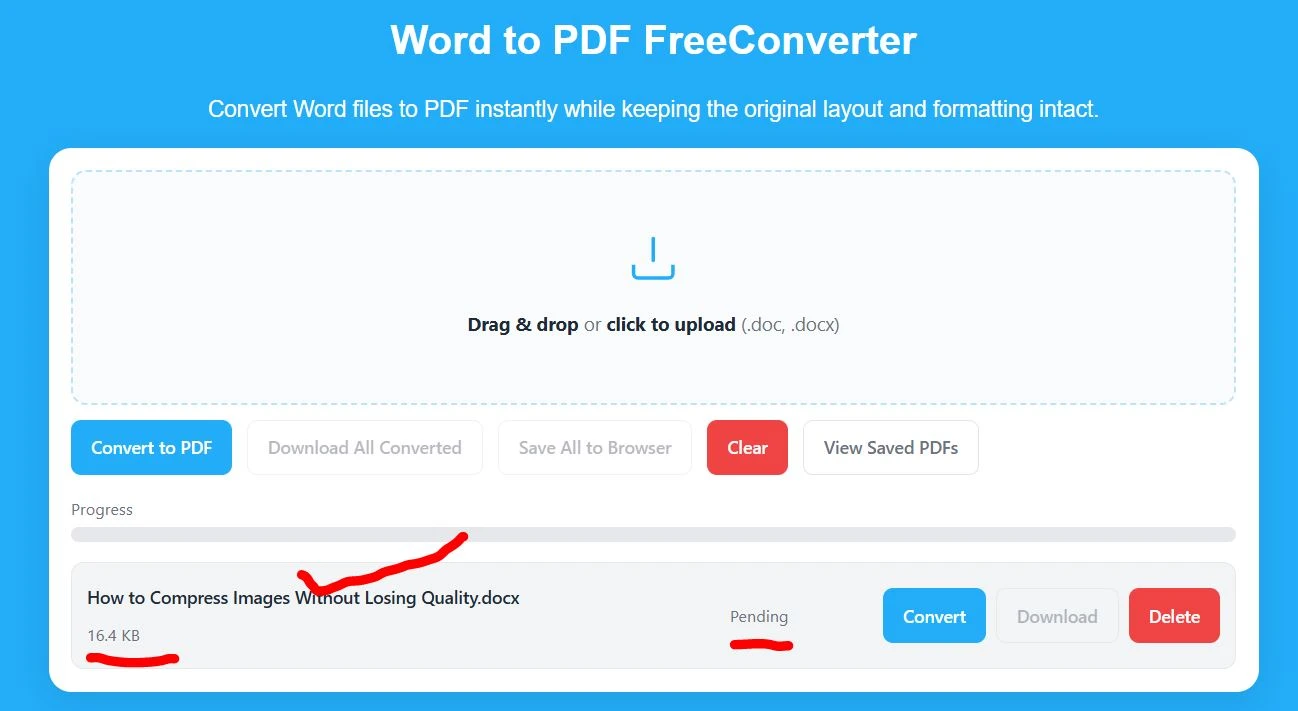
A Word to PDF converter allows you to change DOC or DOCX files into PDF format while keeping the original layout. Upload your Word file, convert it instantly, and download the PDF on any device, including Android and iPhone.
Word to PDF Converter – Step-by-Step Guide for Beginners
Looking for a fast, reliable, and simple Word to PDF converter? This tool allows you to convert Word documents into high-quality PDF files in just a few clicks. It works smoothly on desktops, Android phones, iPhones, and tablets without breaking formatting or reducing quality.
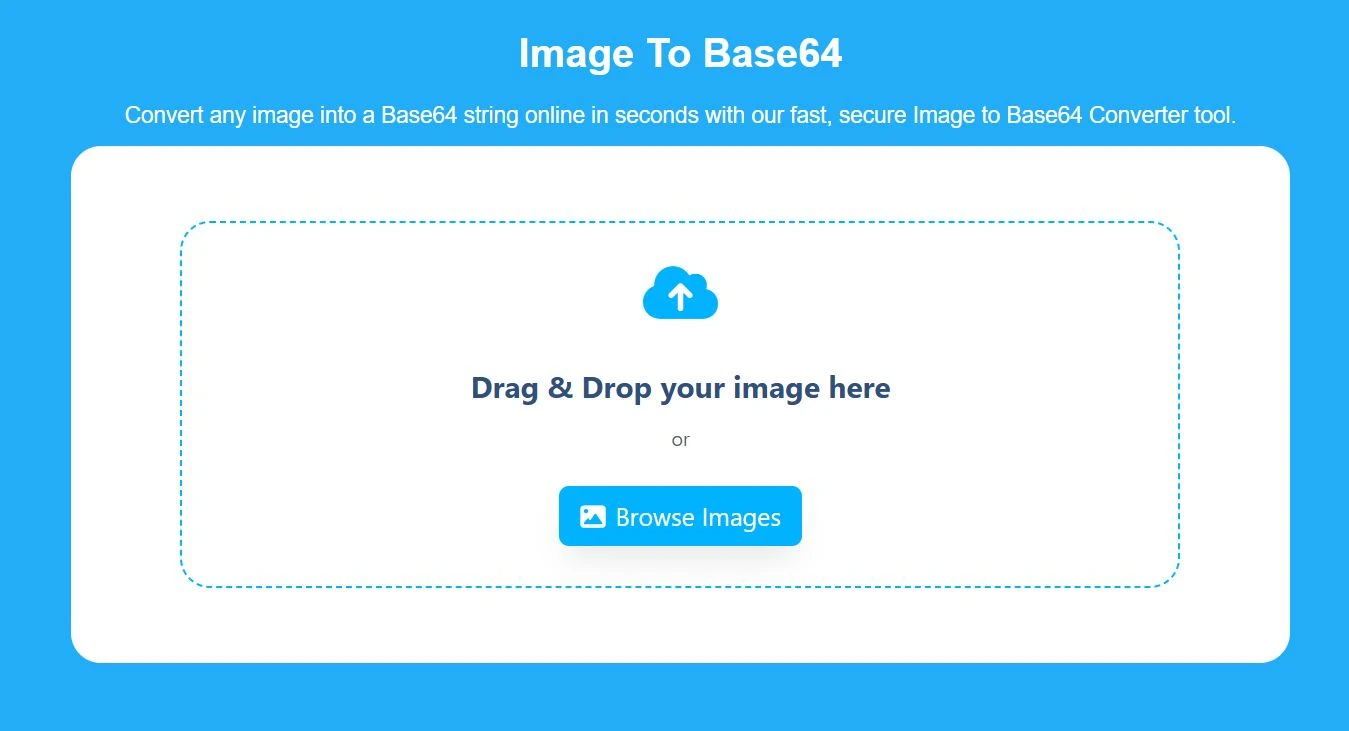
Whether you are a student, professional, or freelancer, this converter enables you to instantly convert DOC and DOCX files into secure and shareable PDFs. No technical knowledge is required. Just upload your file and convert.
Why Convert Word to PDF?
PDF is the most trusted document format for sharing and printing. Unlike Word files, PDF documents maintain the same layout across all devices and operating systems. They look professional, prevent accidental editing, and are ideal for resumes, reports, assignments, and official submissions.
If you want consistent formatting and universal compatibility, converting Word to PDF is the best option.
Key Features of Our Word to PDF Converter
Experience fast, secure, and hassle-free Word to PDF conversion right in your browser. Our tool is built to make document conversion simple, efficient, and reliable for everyone.
Lightning-Fast Conversion: Convert DOC and DOCX files to PDF instantly while keeping the original fonts, formatting, and layout intact.
Cross-Device Compatibility: Fully functional on Android, iPhone, Samsung, tablets, and desktops, no extra apps or downloads required.
No Registration Needed: Start converting immediately without signing up, logging in, or sharing personal information.
Watermark-Free PDFs: Get professional-quality PDFs with no hidden watermarks or branding.
Offline-Friendly Browser Tool: Convert files safely in your browser without uploading them to a server, ensuring privacy.
Save and Access Later: Store all converted files directly in your browser for future downloads and offline access.
Batch Conversion: Convert multiple Word documents at once and save valuable time.
Mobile-Optimized Design: Seamless experience on any device, perfect for users on the go.
Secure and Private: All files are processed locally in your browser, keeping your data safe and confidential.
Lightweight & Efficient: Runs smoothly without consuming extra memory or slowing down your device.
User-Friendly Interface: Simple, intuitive design for everyone, no technical knowledge required.
- Local Storage: One of the key features of our Word to PDF converter is browser-based local storage. Your converted files are securely saved in your browser, allowing you to re-download them anytime without converting the file again, as shown below.
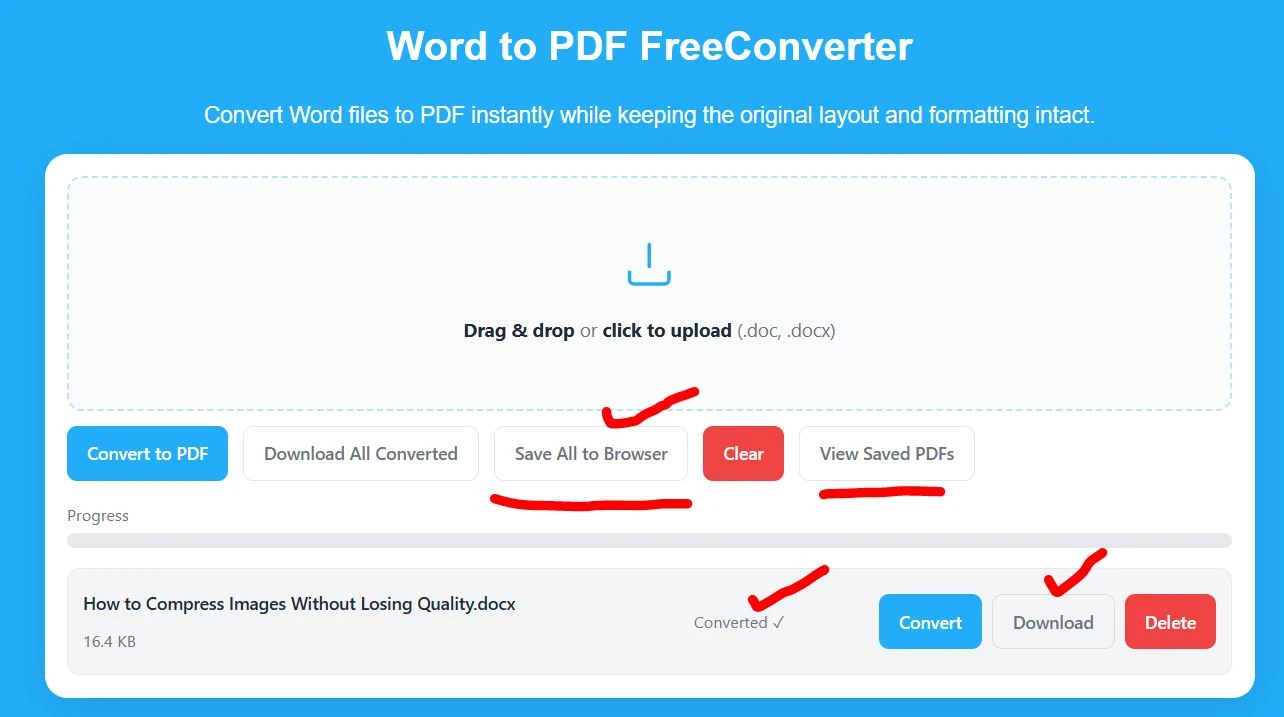
Convert Your Word Files to PDF in Seconds – Fast, Secure, and Free in your browser.
Step-by-Step Guide: How to Convert Word to PDF Online?
Converting Word documents to PDF has never been easier. This Word to PDF Converter allows you to upload multiple DOC or DOCX files and convert them into high-quality PDF files in just one click. The tool is fast, secure, and designed for users of all experience levels, with no installation or technical skills required.
Step 1: Select your Word files
Click on the upload area or drag and drop your files. You can add one or multiple Word documents in DOC or DOCX format at the same time.
Step 2: Review your uploaded files
Once uploaded, you will see a list of all selected documents. You can remove any file if needed before conversion.
Step 3: Start the conversion
Click the Convert to PDF button. The tool will instantly begin converting all uploaded Word files into PDF format in one click.
Step 4: Wait for the process to complete
The conversion usually takes only a few seconds, even when converting multiple files.
Step 5: Download your PDF files
After conversion is complete, download each PDF file individually or download all files together if you have multiple converted files.
This step-by-step process makes it easy to convert multiple Word documents into high-quality PDFs quickly and without any technical knowledge.