Avoid 5 Mistakes When Compressing Images
Compressing images is crucial for enhancing website speed, optimizing storage management, and improving SEO. However, many people make common mistakes that can affect image quality or reduce the benefits of compression. Using the right image compressor or bulk image compressor correctly ensures fast-loading pages and optimized images.
In this guide, we’ll cover the top 5 mistakes when compressing images, explain why they matter, and provide actionable tips to avoid them.
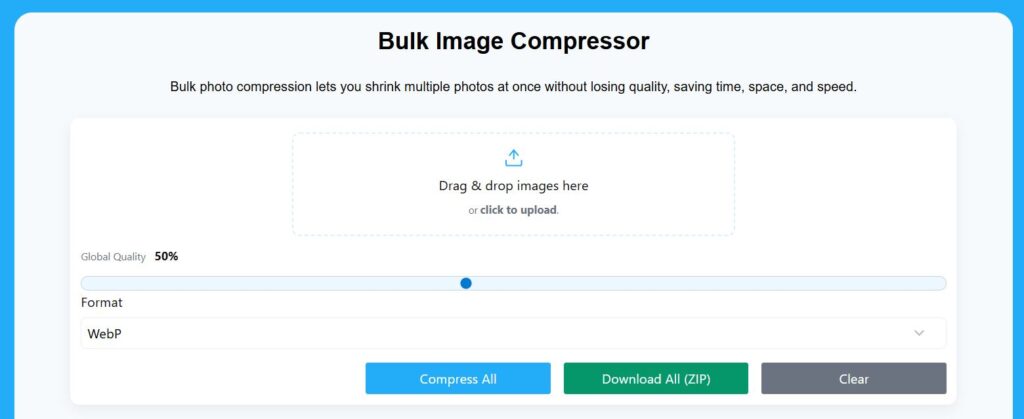
Mistake 1: Overcompressing Images
Overcompressing occurs when too much image data is removed to reduce file size.
Problems caused by overcompression:
- Blurry or pixelated images
- Loss of important details
- Poor user experience
How to avoid it:
- Use moderate compression levels
- Preview images after compression
- Choose lossless compression for high-quality graphics
Example: A JPG image compressed from 5MB to 50KB may lose important details. Compressing it to 500KB maintains quality while reducing file size.
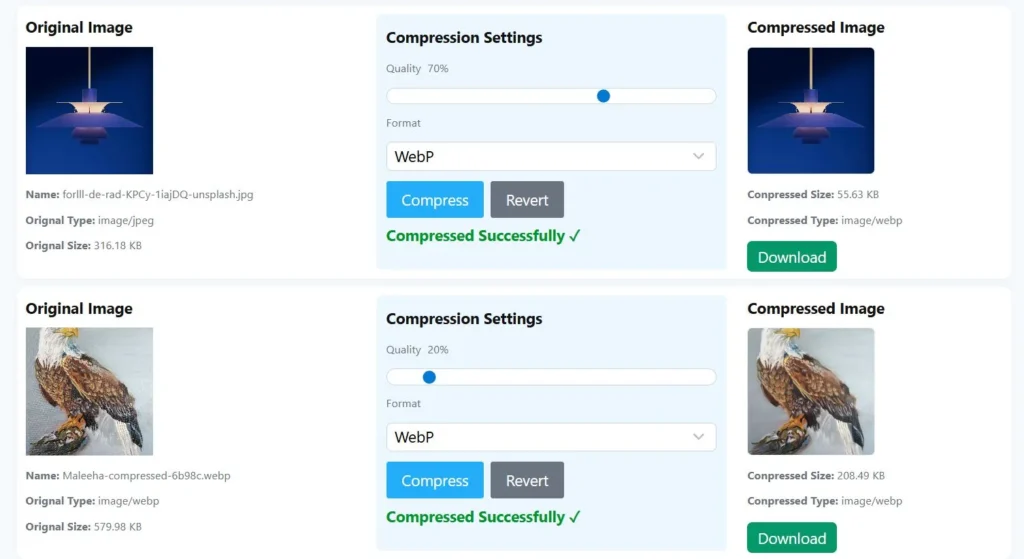
Mistake 2: Ignoring Bulk Compression for Multiple Images
Many users compress images one by one, which is a time-consuming process.
Problems caused by ignoring bulk compression:
- Wastes hours of manual work
- Inconsistent image quality
- Delays website updates
How to avoid it:
- Use a bulk image compressor to process multiple files at once
- Apply the same compression settings for uniform quality
- Download images individually or as a zip file
Example: Compressing 200 product images individually may take hours, while bulk compression completes the task in minutes.
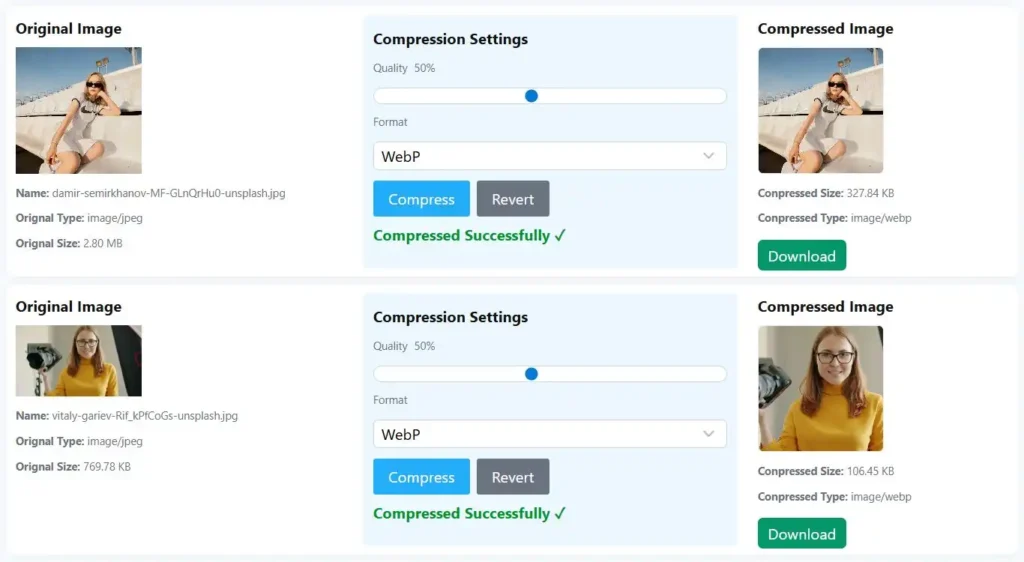
Mistake 3: Choosing the Wrong Image Format
Using the wrong format can affect quality and file size.
Problems caused by wrong formats:
- Large file sizes for web pages
- Poor-quality graphics
- Limited browser or device compatibility
How to avoid it:
- Use JPG for photos
- Use PNG for graphics and transparency
- Use WebP for web-optimized images
Example: Uploading a high-resolution PNG photo instead of JPG increases file size without visible quality benefits.
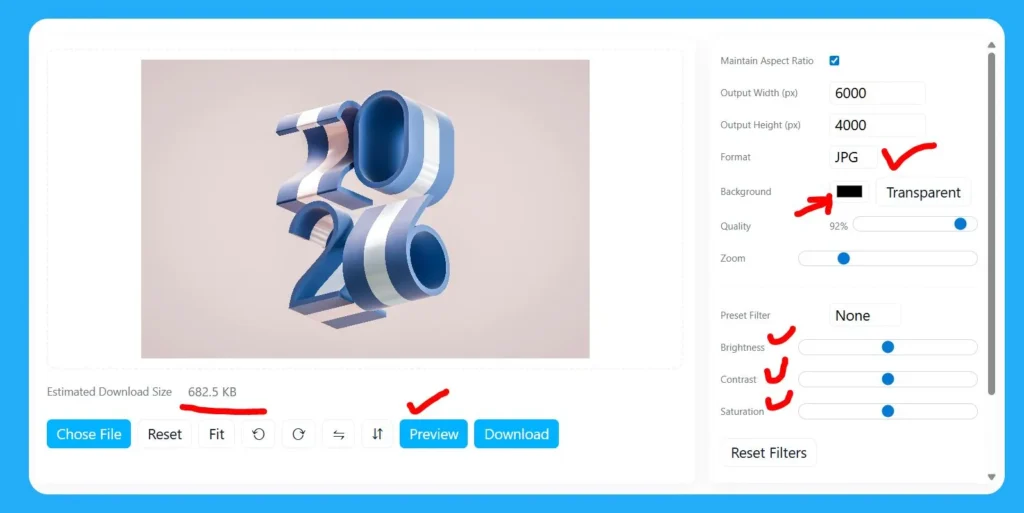
Mistake 4: Not Optimizing Images for SEO
Image compression is not only about file size. SEO plays a crucial role in website performance.
Problems caused by skipping SEO:
- Images won’t appear in Google image search
- Reduced traffic from search engines
- Lower page rankings due to slow loading
How to avoid it:
- Include descriptive file names with keywords
- Add alt text for each image
- Use captions to enhance context
Example: Instead of “IMG1234.jpg,” use “bulk-image-compression-tips.jpg” as the file name.
Mistake 5: Failing to Keep Original Images
Some users overwrite originals after compression.
Problems caused by this mistake:
- Cannot revert if the quality drops too much
- Cannot reuse images for other purposes
- Risk of losing high-resolution versions
How to avoid it:
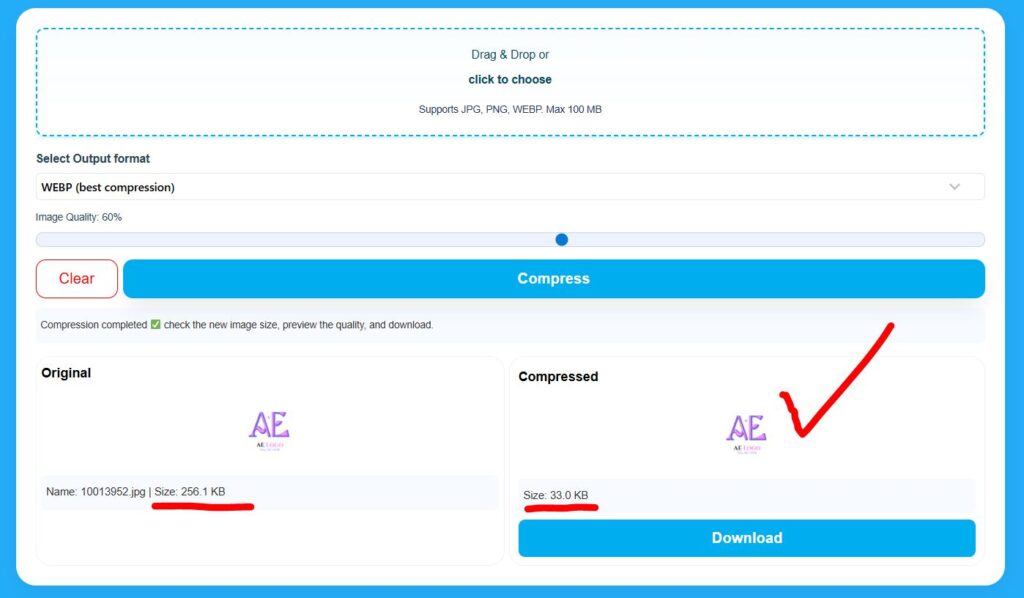
- Always save a copy of the original image before compression
- Use folders to organize compressed and original files separately
- Keep high-resolution files for future projects
Example: Keep the original 5MB image before compressing it to 500KB for web use.
Best Practices to Compress Images Correctly
- Preview Images: Always check compressed images before uploading
- Use Proper Tools: Reliable online image compressors maintain quality
- Set Appropriate Compression Levels: Avoid extreme reductions
- Use Bulk Compression: Save time and maintain consistent quality
Optimize for SEO: Include file names, alt text, and captions
Frequently Asked Questions (FAQs)
What is the best image compression tool?
Reliable tools like TinyPNG, CompressJPEG, or our image compressor work for both single and bulk compression.
Does compression affect SEO?
Proper compression improves SEO by increasing website speed and user experience. Skipping SEO elements like alt text reduces visibility.
Can I compress images without losing quality?
Yes, using lossless compression or moderate lossy compression retains visual quality.
How do I choose the right compression level?
Test different levels and preview images. Use low or medium compression for photos and high compression for small graphics.
Conclusion
Avoiding these common mistakes ensures your images are optimized for web performance, SEO, and user experience. Over compression, wrong formats, ignoring SEO, failing to keep originals, and skipping bulk compression are the main pitfalls.
Use a reliable image compressor or bulk image compressor, preview your images, and follow best practices to save time, improve website speed, and maintain high-quality visuals.


