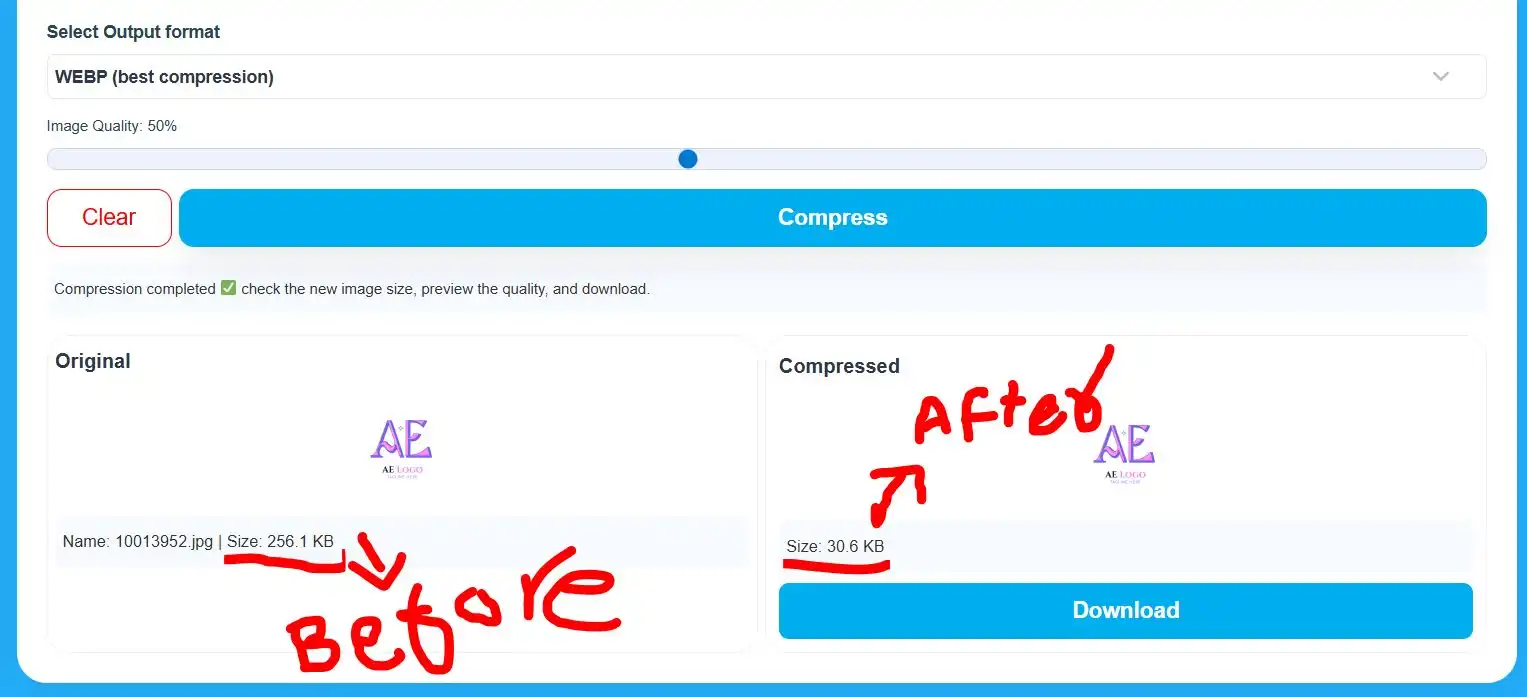
11 Trending Tools for Images in 2026
Image optimization plays a critical role in website performance, SEO rankings, and user experience. Large, unoptimized images slow down pages, increase bounce rates, and negatively affect Core Web Vitals. Using the right image optimization tools helps reduce file size while maintaining visual quality.
In this guide, we explore some of the best image optimization tools on the web, trusted by developers, designers, and website owners worldwide.
Key features:
- Compress images without visible quality loss
- Resize images for web and mobile
- Convert images between formats (JPG, PNG, WEBP)
- Work directly in the browser
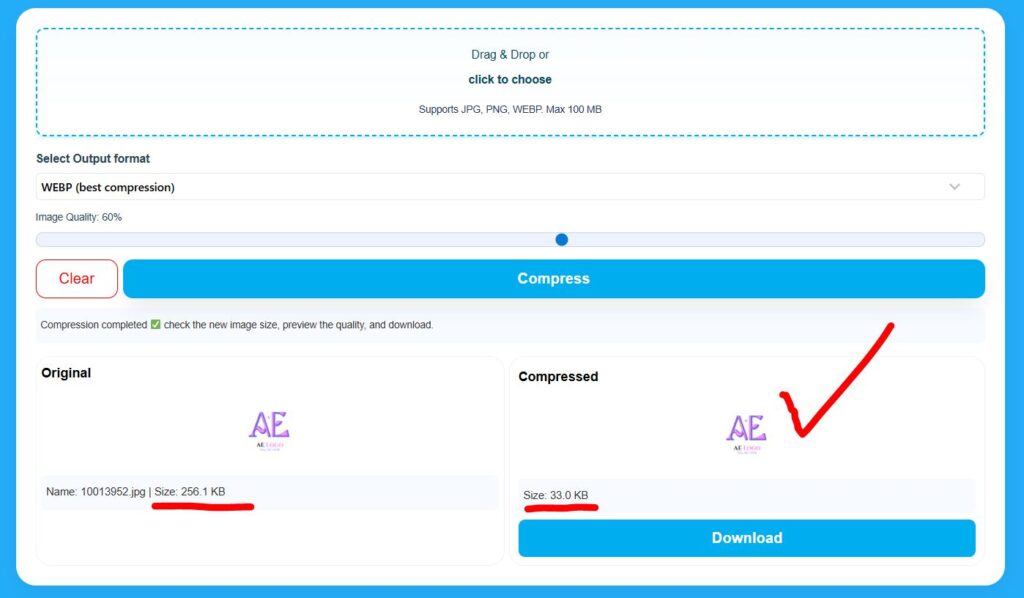
Why Image Optimization Matters?
Optimized images help you:
- Improve website loading speed
- Enhance SEO and Core Web Vitals
- Reduce bandwidth and storage usage
- Deliver a better experience on mobile devices
Search engines favor fast-loading pages, making image optimization a key part of modern web performance.
What are the best image optimization tools?
The best image optimization tools in 2026 are:
1. TinyPNG / TinyJPG
👉 tinypng.com
- One of the most popular image compressors on the web
- Excellent balance between quality and file size
- Supports PNG, JPG, and WebP
- Widely trusted by developers and designers
2. ImageOptim
👉 imageoptim.com
- High-quality lossless compression
- Popular among macOS users
- Removes unnecessary metadata
- Ideal for professional workflows
3. Squoosh (by Google)
👉 squoosh.app
- Developed by Google
- Advanced control over compression settings
- Supports modern formats like AVIF and WebP
- Strong credibility and performance
4. CompressJPEG / CompressPNG
👉 compressjpeg .com
- Simple, fast, browser-based tools
- Bulk image compression is supported
- Widely used for quick optimization
5. ShortPixel
👉 shortpixel .com
- Popular WordPress image optimization service
- Supports lossy, glossy, and lossless compression
- Strong SEO and Core Web Vitals benefits
6. CompressJPEG / CompressPNG
CompressJPEG and CompressPNG are fast, browser-based tools for quick and simple image compression.
🔗 compressjpeg.com
Key Features:
- Bulk image compression
- Drag-and-drop interface
- Automatic optimization
- No installation required
Best for:
Users who need fast image compression with minimal effort.
7. Imagify
👉 imagify .io
- Developed by the WP Rocket team
- Easy automation and strong compression
- Good balance between quality and speed
8. iLoveIMG
👉 iloveimg .com
- Popular all-in-one image toolkit
- Compression, resize, crop, convert
- Strong brand authority and global usage
9. FreeConvert
👉 https://www.freeconvert.com
- Supports image compression and conversion
- Handles many formats
- High traffic and brand recognition
10. Cloudinary
👉 https://cloudinary.com
- Enterprise-level image optimization platform
- Real-time delivery, CDN, and transformations
- Used by large brands and SaaS companies
11. Image York
imageyork.com is a free, web-based file conversion and image optimization platform designed for speed, simplicity, and privacy.
Key Features:
- Image compression and format conversion
- Supports JPG, PNG, WEBP, and PDF tools
- No signup or installation required
- Works on desktop and mobile devices
Best for:
Users looking for an all-in-one, easy-to-use image optimization and conversion solution without account creation.
Why FreeConverter.cloud Fits This List
- Clean, tool-first user experience
- Browser-based processing
- Multiple image optimization utilities
- Beginner-friendly with professional results
How to Choose the Right Image Optimization Tool
Choose a tool based on your needs:
- Maximum quality: ImageOptim
- Advanced format control: Squoosh
- Quick bulk compression: CompressJPEG / CompressPNG
- All-in-one simplicity: FreeConverter.cloud
Using the right tool ensures your images load fast while maintaining professional quality.
Comparison Table: FreeConverter.cloud vs Top Image Optimization Tools
| Feature / Tool | FreeConverter.cloud | ImageOptim | Squoosh (Google) | CompressJPEG / PNG |
|---|---|---|---|---|
| Free to use | ✅ Yes | ✅ Yes | ✅ Yes | ✅ Yes |
| Browser-based | ✅ Yes | ❌ No (Desktop app) | ✅ Yes | ✅ Yes |
| No signup required | ✅ Yes | ✅ Yes | ✅ Yes | ✅ Yes |
| Image compression | ✅ Yes | ✅ Yes (Lossless) | ✅ Yes | ✅ Yes |
| Bulk image compression | ✅ Yes | ❌ No | ❌ Limited | ✅ Yes |
| Image format conversion | ✅ Yes | ❌ No | ✅ Yes | ❌ No |
| Supports WebP | ✅ Yes | ❌ No | ✅ Yes | ❌ No |
| Supports AVIF | ❌ Not yet | ❌ No | ✅ Yes | ❌ No |
| Mobile-friendly | ✅ Yes | ❌ No | ✅ Yes | ✅ Yes |
| All-in-one platform | ✅ Yes | ❌ No | ❌ No | ❌ No |
| Best for | Everyday users & websites | Designers (quality) | Developers (performance) | Quick bulk compression |
FAQs
Are image optimization tools safe?
Yes, reputable tools process images securely. Browser-based tools are safer for sensitive files.
Does image optimization improve SEO?
Yes. Optimized images improve page speed, Core Web Vitals, and search rankings.
What is the best free image optimization tool?
FreeConverter.cloud and Squoosh are among the best free tools available online.
Should I use WebP or AVIF?
WebP offers excellent compatibility. AVIF provides better compression but limited browser support.
Final Verdict
Image optimization is essential for modern websites. Tools like ImageOptim, Squoosh, CompressJPEG, and FreeConverter.cloud provide reliable solutions for improving performance, SEO, and user experience.
Using the right tool ensures faster loading pages, better rankings, and happier users.